
Celebrity Voice Generator for YouTube
Make YouTube videos with celebrity-style AI voiceovers. Long-form narration, channel intros, parody dubs, explainer voiceovers — all from a single script.
- 250+ celebrity-style voices for video
- Tuned for long-form narration pacing
- Download MP3 — drops straight into Premiere, DaVinci, CapCut
- Commercial-friendly for clearly labeled parody and creative work

YouTube watch time depends on a strong voice. Whether you're making documentary-style explainers, parody compilations, or top-10 lists, a recognizable celebrity-style voiceover keeps viewers locked in for the full video.
YouTube video formats that work with celeb voices
Pick the format that fits your channel and copy the workflow.
Documentary-style narration
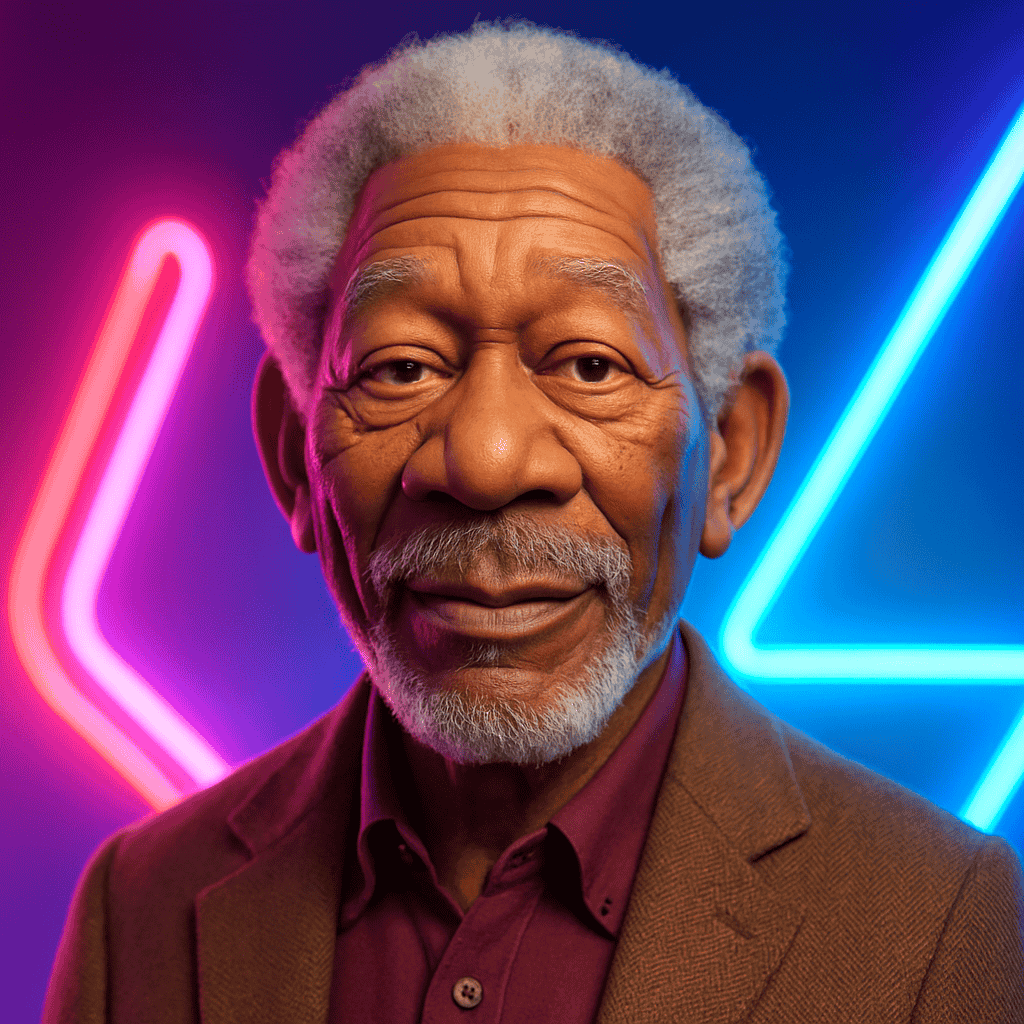
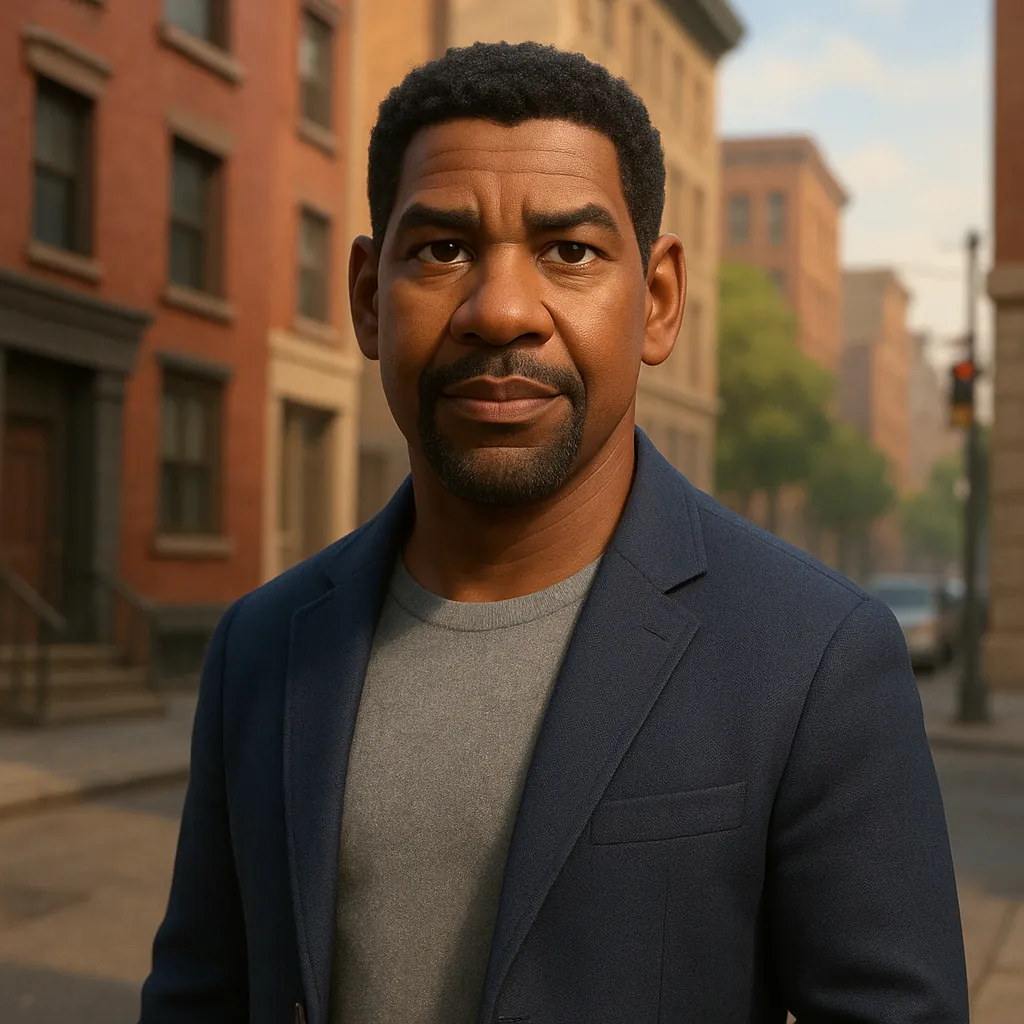
Use a Morgan Freeman or Denzel Washington-style voice for "the rise and fall of..." or "the truth about..." video essays.
Tip: Keep narration paragraphs tight — 2–3 sentences per beat. Pause on cut points.
Top-10 / countdown videos
Energetic hype voiceover counts down a list while clips play in the background. Works in gaming, sports, and pop-culture niches.
Tip: Use a sports or hype-style voice. Keep each item under 25 seconds.
Parody compilations
Compile clips and dub them with celeb-style voiceovers — political parody, news satire, character mashups.
Tip: Always title clearly as parody. Avoid voiceovers that could be mistaken for real recordings.
From script to upload
A repeatable workflow for high-volume YouTube production.
1. Pick a celebrity voice
Browse the catalog. For long-form videos, narrator-style voices work best — they handle paragraph-length text without sounding flat.
2. Paste your full script
Drop in the entire video script — a few thousand words is fine. Add line breaks at natural pause points; the model respects them.
3. Generate and review
Generate the audio, scrub through, and re-generate any sections that need different pacing or emphasis.
4. Drop into your editor
Import the MP3 into Premiere, DaVinci Resolve, or CapCut. Sync to your visuals, add B-roll, export 1080p or 4K.

YouTube upload specs
YouTube celebrity voice FAQ
It may be possible for clearly labeled parody, commentary, and creative content. YouTube's reused-content and AI-disclosure policies apply — disclose AI-generated voices in the video and description, and don't fabricate quotes that could be mistaken as real.
YouTube requires creators to label "altered or synthetic content" that depicts real people. Use the disclosure toggle in YouTube Studio when applicable.
Narrator-style actor voices like Morgan Freeman and Denzel Washington are the most natural for long-form. Their pacing handles paragraph-length text well.
You can generate audio for full-length videos — 10, 20, or 30+ minute scripts. Break into sections if your editor prefers shorter MP3 files for syncing.
Yes, in the description. Both YouTube's disclosure policy and most platform best practices require labeling AI-generated audio depicting real people.
Sponsored placements with AI celebrity voices are risky territory — many advertisers and sponsors restrict AI-impersonation in branded content. Get explicit sponsor approval before using.
Ready to ship better audio, faster?
Start on the web, or download the iOS app and create on the go.