
Celebrity Voice Generator for TikTok
Drop a celebrity-style voice into your next TikTok in seconds. POV skits, parody dubs, character reactions — pick a voice, type your script, download MP3, post.
- 250+ celebrity-style voices ready to use
- Optimized for TikTok's 60-second pacing
- Download MP3 — drop straight into CapCut or InShot
- Free to start — no watermark on audio

TikTok rewards strong audio. A recognizable voice in the first three seconds stops the scroll and earns the watch. This is your shortcut to celeb-style voiceovers without the cost or licensing of real audio — built for the formats that actually go viral.
Three TikTok formats that work with celeb voices
Copy a script template, swap in your line, and ship.
POV skits
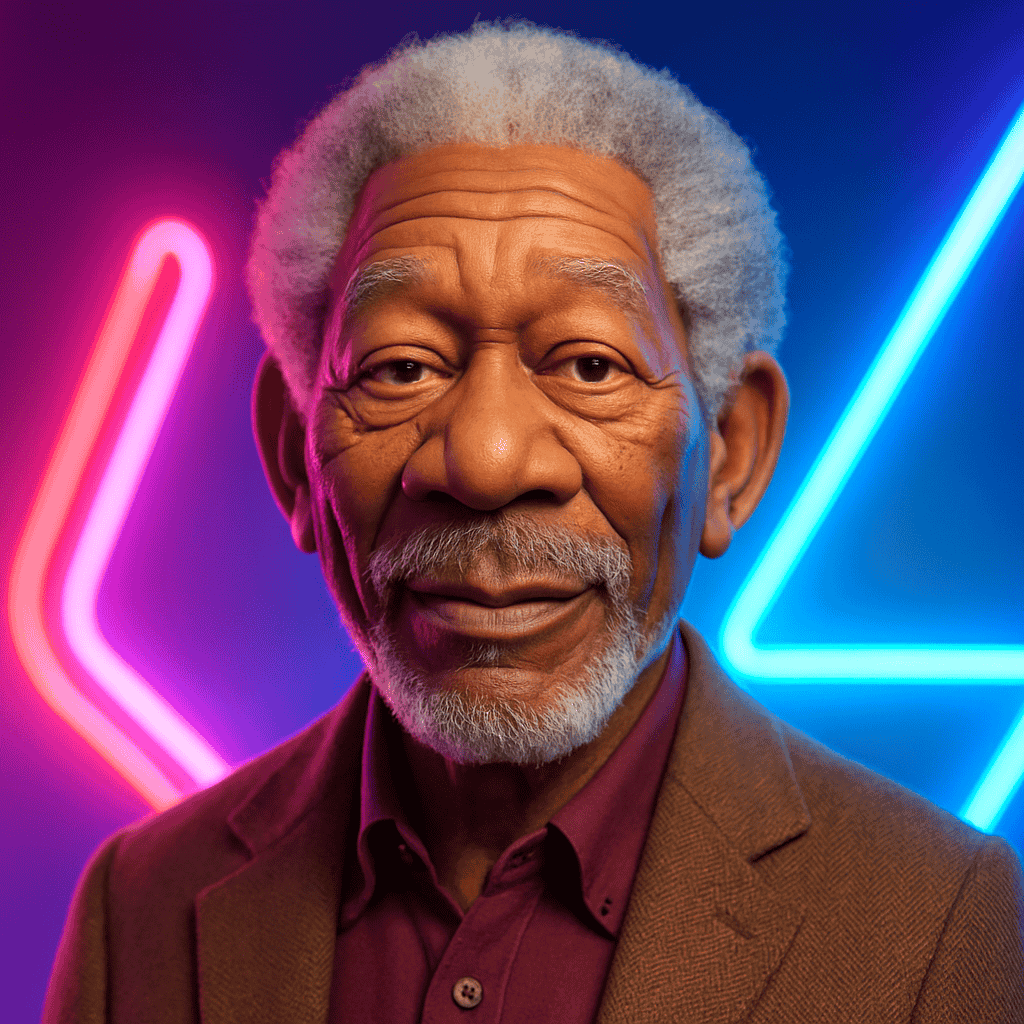
POV: You ask Morgan Freeman to narrate your morning routine. "It was a Tuesday. He had not yet brushed his teeth..."
Tip: Use a calm narrator voice. Build the joke through deadpan delivery, not the script.
Reaction voiceovers
Pair a clip with a celeb-style reaction. "Gordon Ramsay reacts to your fridge: 'It's raw. It's cold. And somehow, it's also burnt.'"
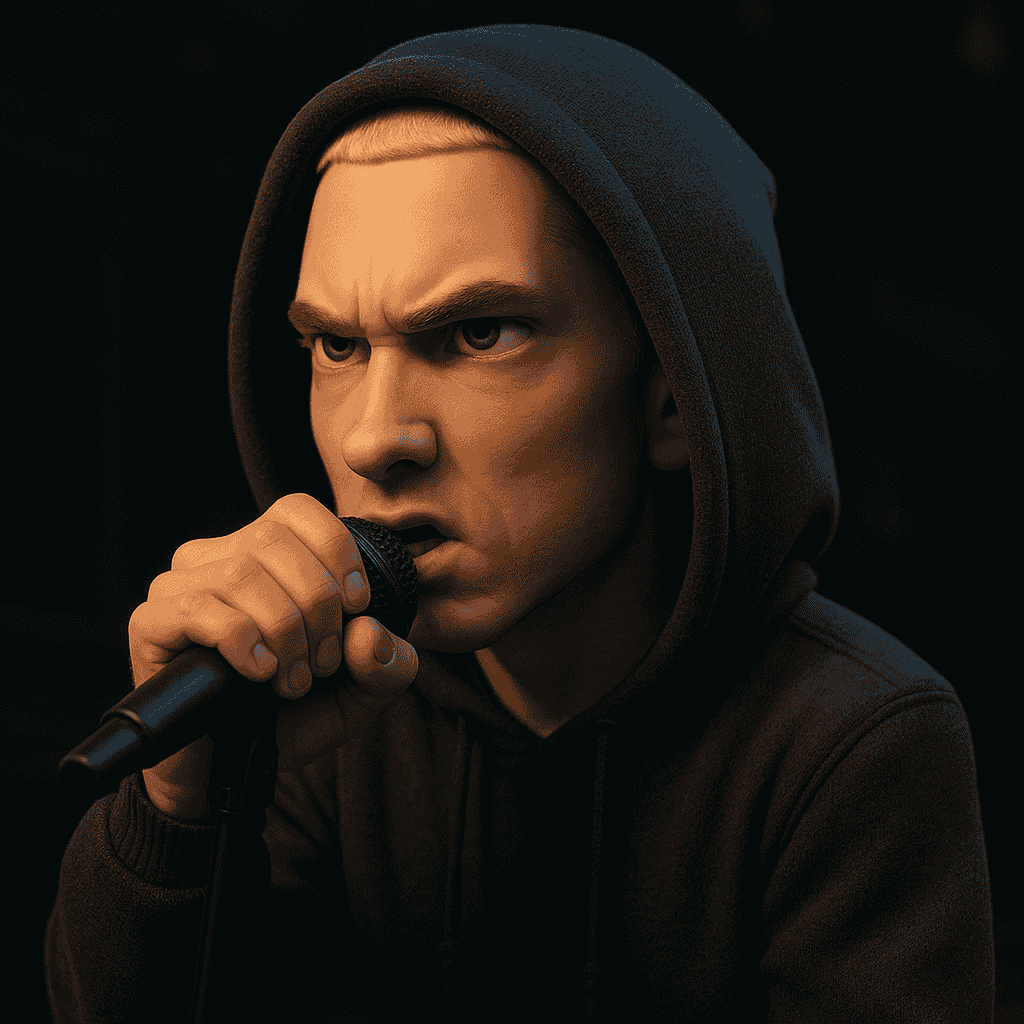
Tip: Match the celeb to the meme — Gordon for cooking, Eminem for hype, Morgan for narration.
Trend dubs and parody
Take a trending sound or template, dub it in a celeb voice. Works great for political parody, influencer impressions, and character bits.
Tip: Keep it under 30 seconds. Loop-friendly endings boost replays.
How to make your TikTok
From script to upload in under five minutes.
1. Pick a celebrity voice
Browse the celebrity voice library. Filter by category — actor, singer, character, sports, political — and preview before you commit.
2. Write tight, punchy lines
Short sentences land better. Aim for 8–15 words per beat. Use ellipses or line breaks to control pacing.
3. Generate and download MP3
Hit generate, preview the result, and download. The audio is yours — no watermark, no usage cap on the free tier.
4. Drop into CapCut or InShot
Import the MP3, sync to your clip, export 9:16 1080×1920, and post.

TikTok upload specs
TikTok celebrity voice FAQ
For clearly labeled parody, fan content, and creative commentary, use may be possible in some cases. Avoid implying real endorsements or fabricating quotes — and check TikTok's evolving rules on AI-disclosure tags.
TikTok asks creators to disclose AI-generated content. Tag honestly, especially when a real person is depicted or implied.
It may be possible for clearly labeled parody, but TikTok's Creator Fund and Creator Rewards have their own AI-content rules. Read the latest policy before relying on monetization.
21–34 seconds tends to perform best for celeb-voice skits. Keep the hook in the first 2 seconds, payoff by 15s, loop-friendly ending.
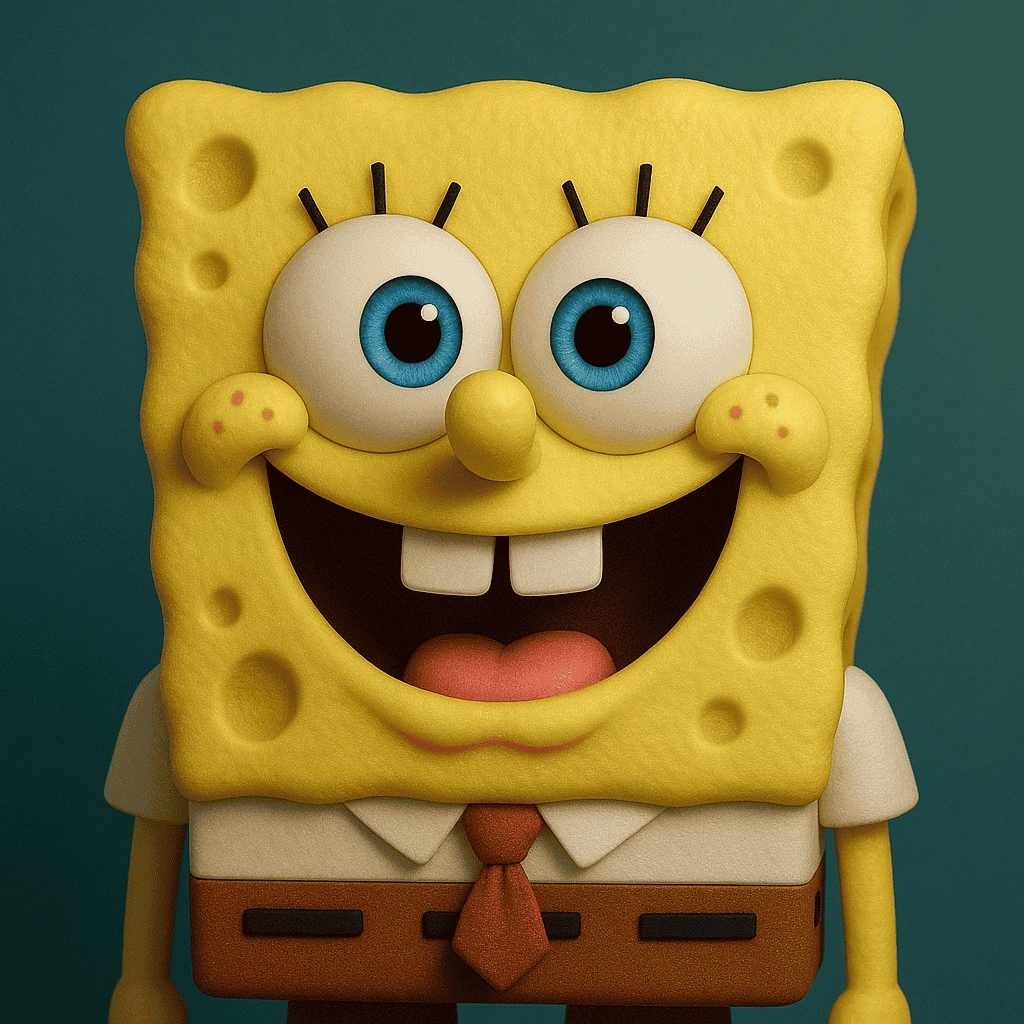
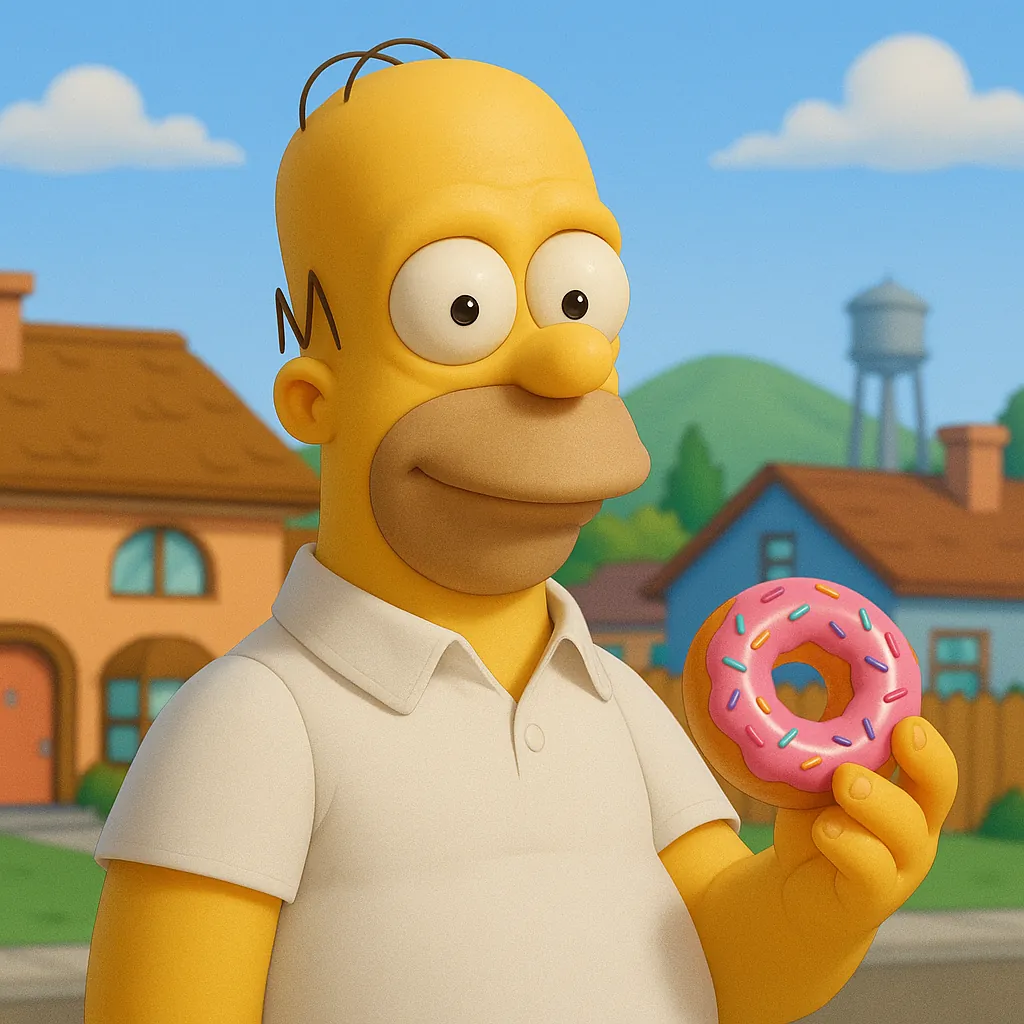
Narrator-style actors (Morgan Freeman, David Attenborough), high-energy hype voices (Eminem, Gordon Ramsay), and recognizable character voices (SpongeBob, Homer Simpson) all consistently land.
Yes. The MP3 download is clean — no audio watermark, no overlay. Use it in any editor.
Ready to ship better audio, faster?
Start on the web, or download the iOS app and create on the go.