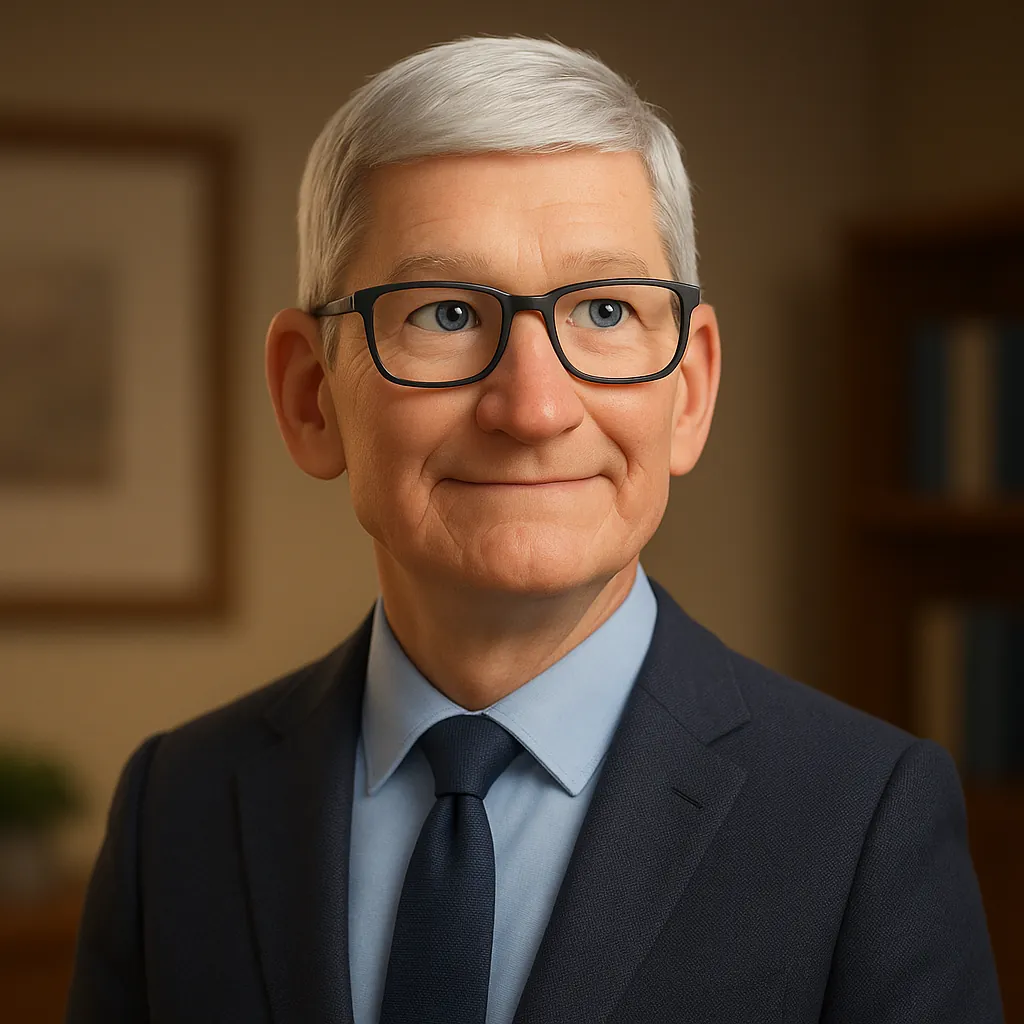
Tim Cook AI Voice Generator
Create a Tim Cook-style voice with our text-to-speech tool. Measured, clear voice with thoughtful delivery. CEO of Apple with presentation expertise.
This Tim Cook-style voice works well for:
- Tim Cook-style hooks for product demos.
- Short reads when you want a clear tone and clean delivery.
- Product reviews, comparisons, and unboxing scripts
- Tutorials and step-by-step walkthroughs
- Tim Cook-style lines in English for how-to videos.
How to generate a Tim Cook-style voice
Use VoiceMate on the web, or get the app on App Store / Play Store to create voiceovers anywhere.
Browse the library, choose the Tim Cook-style voice, preview it, then start generating.
Type your text or upload a script, adjust tone and pace, and generate a Tim Cook-style voiceover.
Sample scripts for a Tim Cook-style voice
Tim Cook opener
Hey, Tim Cook here. One clean walkthrough, then you can test it yourself.
Scene script
Inside the launch stage, the product keynote is simple: remove friction and move faster.
Tip: avoid misleading people. If you publish generated audio, clearly label it as AI and not an official recording.
FAQs about Tim Cook-style AI voice generator
Use VoiceMate: choose the voice, paste your script, adjust speed and tone, then export as MP3 or WAV.
Commercial use depends on your content and applicable rights. Follow our terms and avoid impersonation or misleading endorsements.
Yes. VoiceMate is a text-to-speech tool. Type text and generate audio in a Tim Cook-style voice.
No. VoiceMate is not affiliated with or endorsed by Tim Cook. Names are used for descriptive purposes and you are responsible for lawful, ethical use.
English works best for this preset. Keep lines short and direct, and use commas so the pacing sounds natural.
Tim Cook style works best for product explainers, setup guides, and feature walk-throughs. Start with a short opening line, keep one idea per sentence, and end with a clean final line.
Related voices







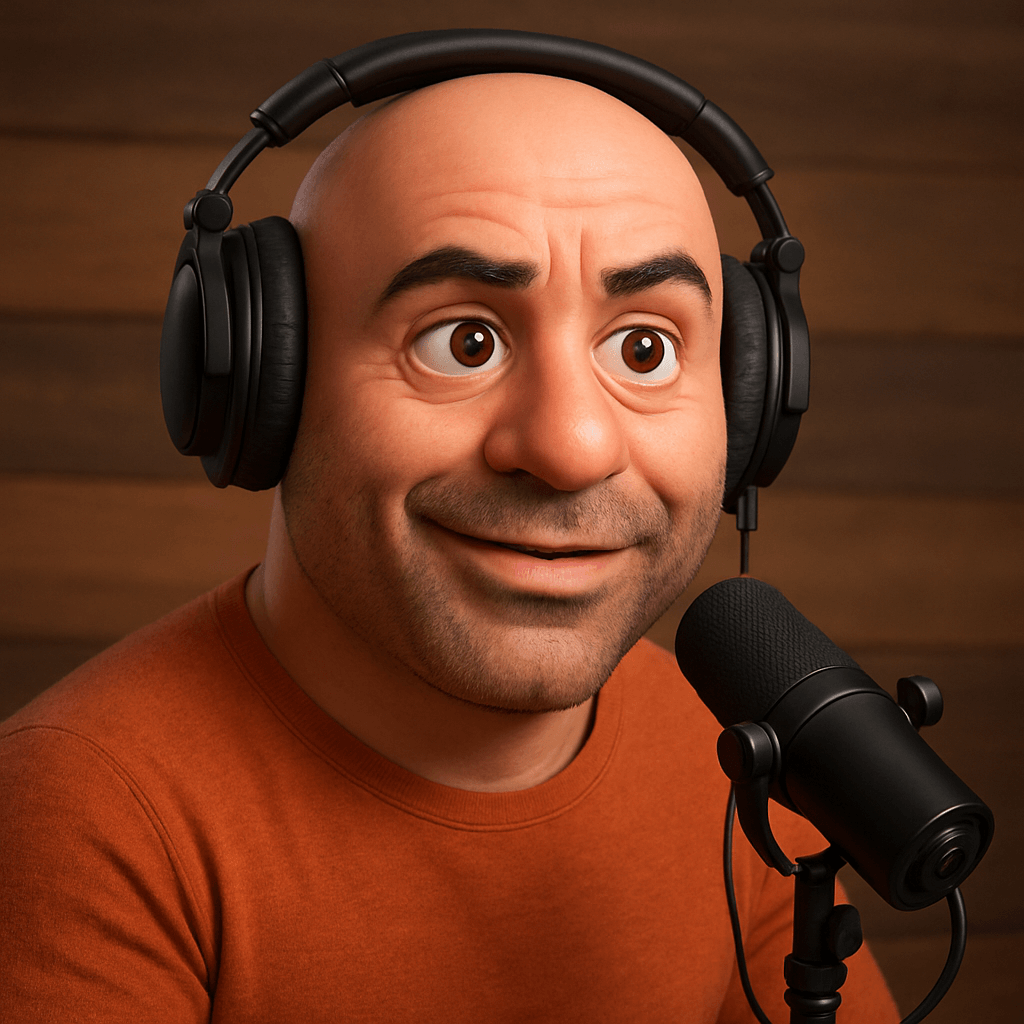
Parody impressions. Not affiliated with, endorsed by, or recordings of the people referenced.
Create audio with 200+ different voices. Enjoy natural AI voices and clear sound quality.
