
Text to Speech, Celebrity Voices,
Voice Cloning.
Create voiceovers, transcripts, and sound effects in minutes. Use it on the web or download the iOS app and create from anywhere.

 Morgan Freeman
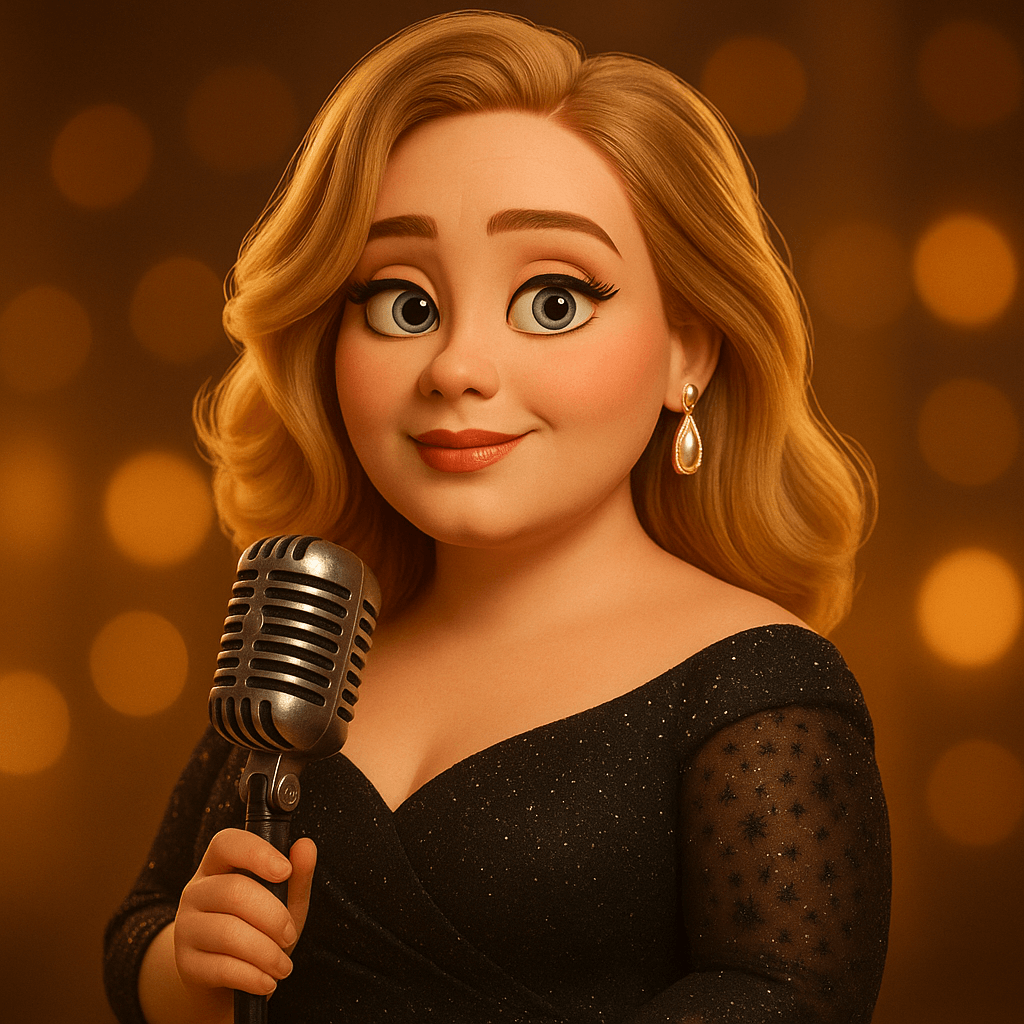 Adele
Adele Agent 47
 AlexiBexi
 Amr Diab
 Andrew Tate
 Angela Merkel
 Arnold Schwarzenegger
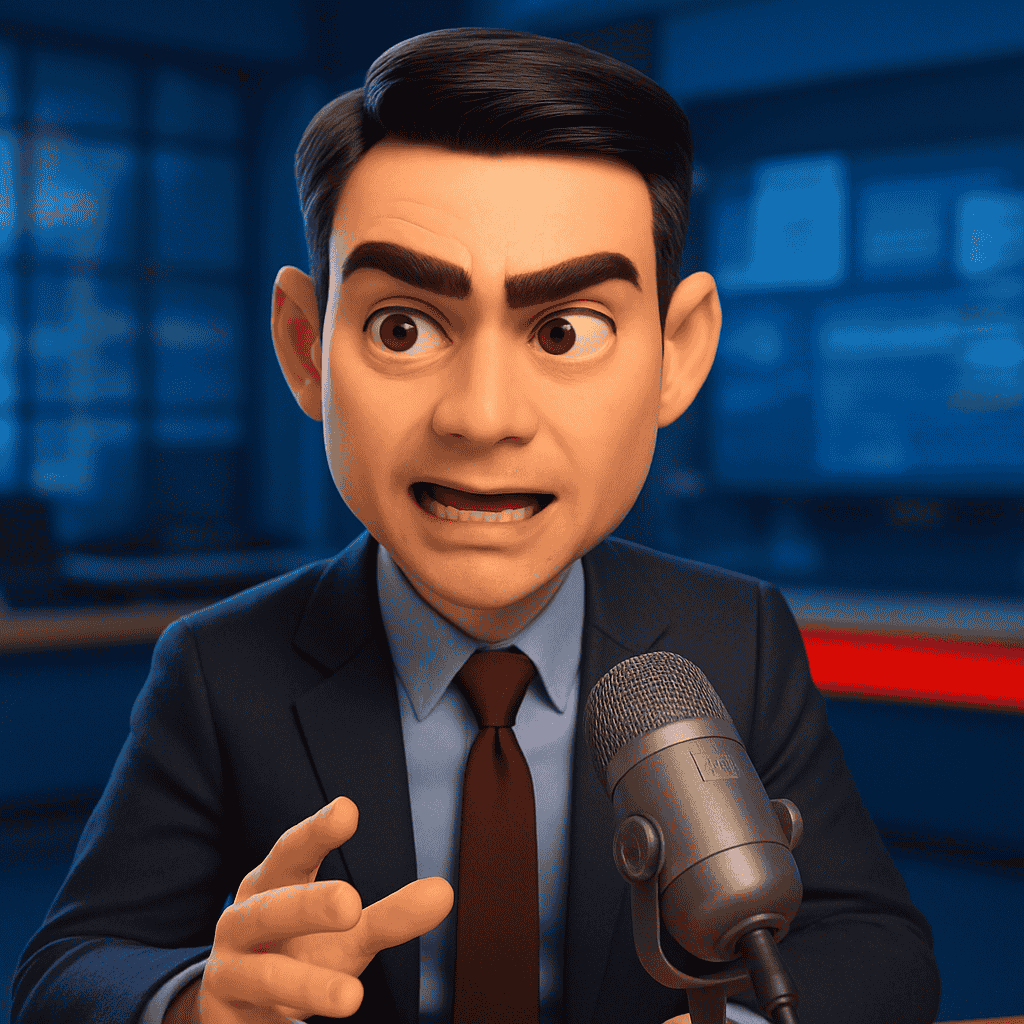 Ben Shapiro
 Brad Pitt
 Cristiano Ronaldo
 DJ KhaledMorgan FreemanAdeleAgent 47AlexiBexiAmr DiabAndrew TateAngela MerkelArnold SchwarzeneggerBen ShapiroBrad PittCristiano RonaldoDJ Khaled
 Ed Sheeran
 Elon Musk
 Eminem
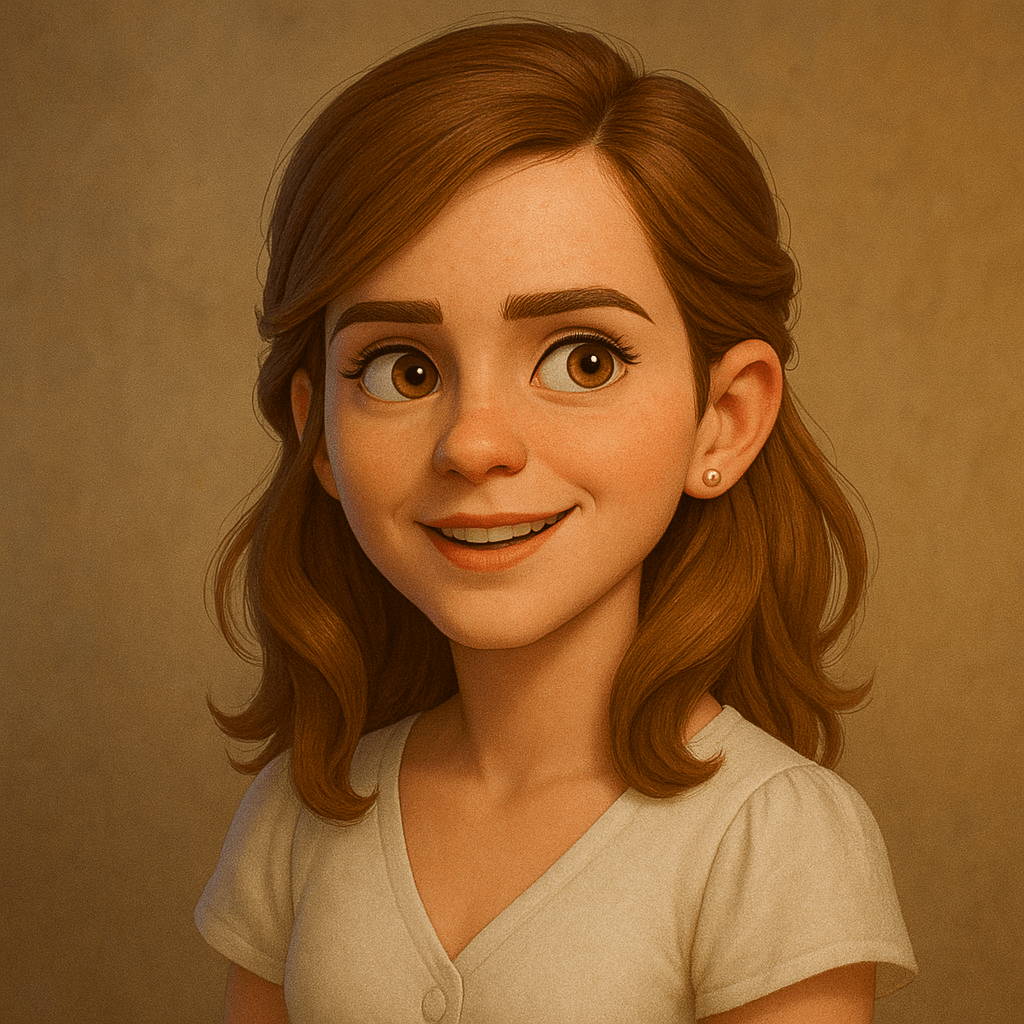 Emma Watson
 Gordon Ramsay
 Heidi Klum
 Hillary Clinton
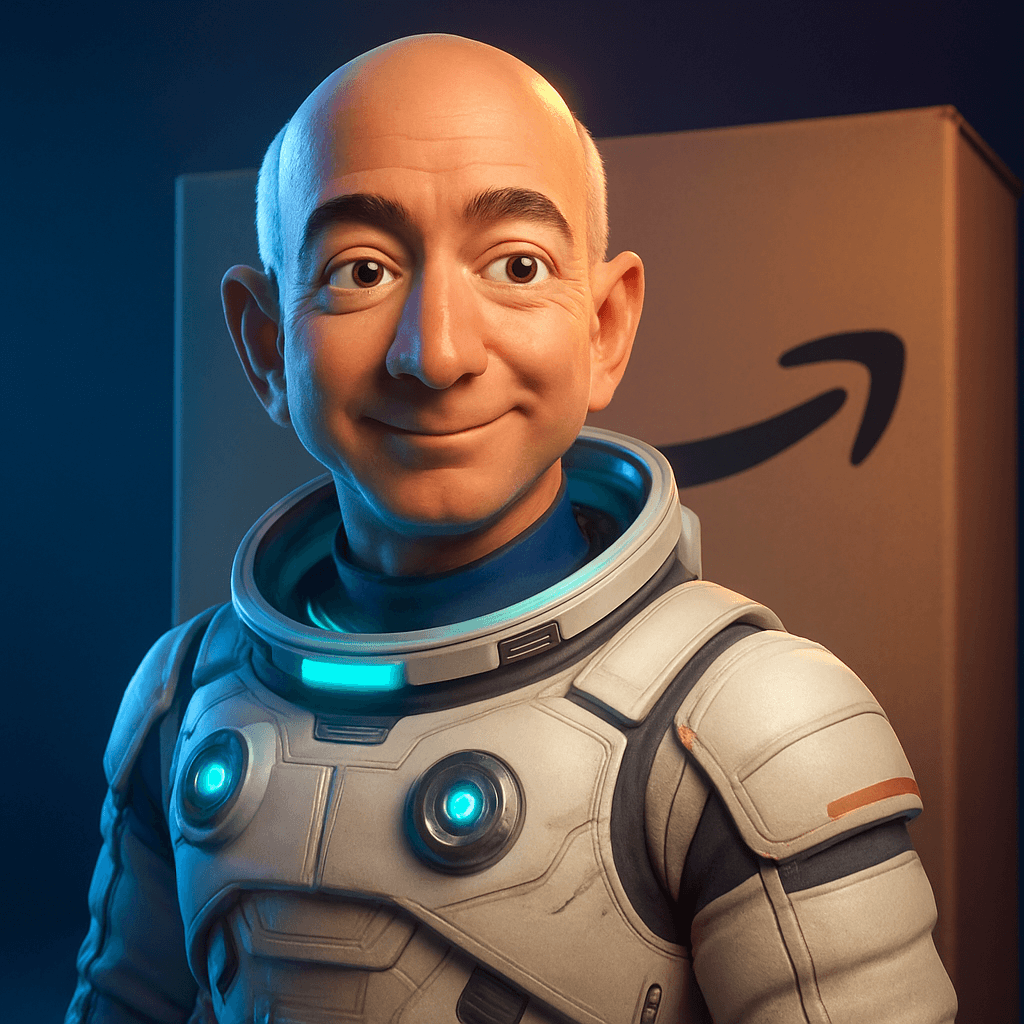 Jeff Bezos
 Jennifer Lopez
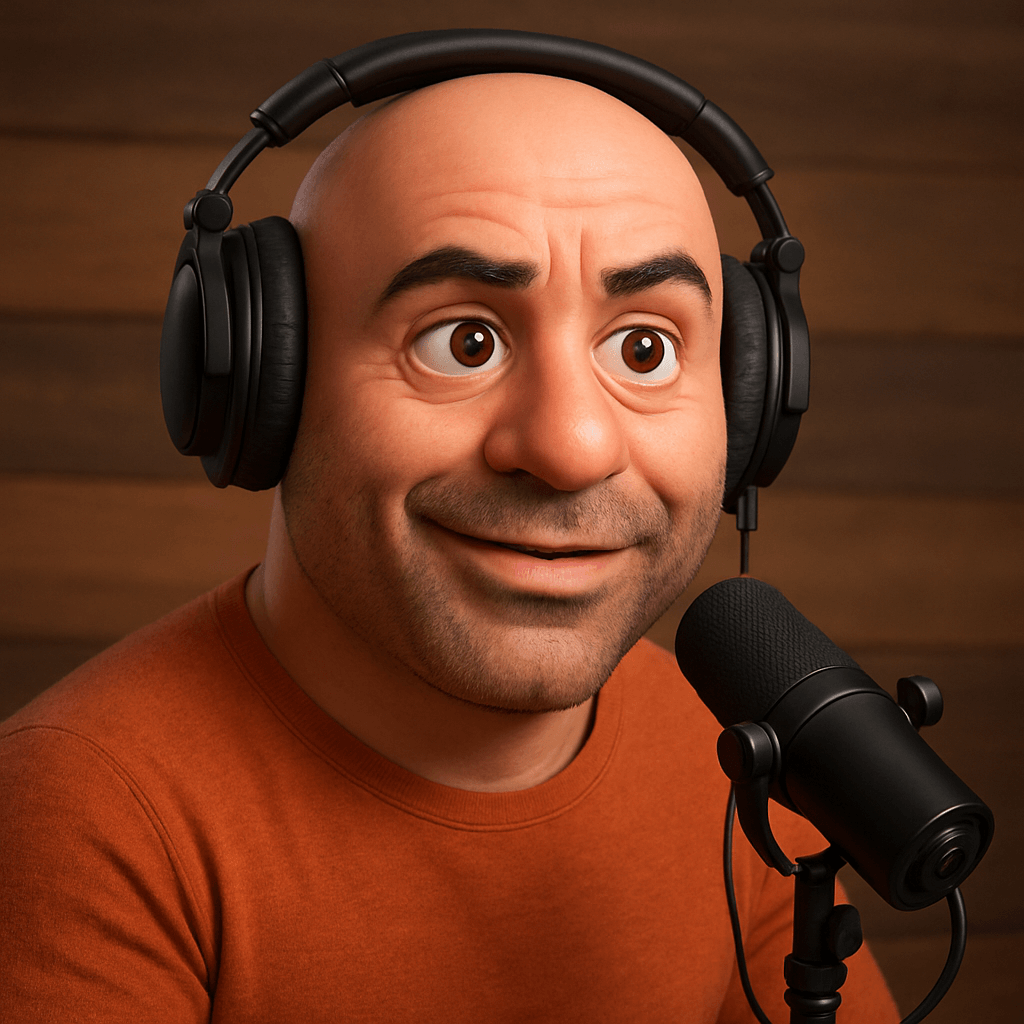 Joe Rogan
 Joe Biden
 John CenaEd SheeranElon MuskEminemEmma WatsonGordon RamsayHeidi KlumHillary ClintonJeff BezosJennifer LopezJoe RoganJoe BidenJohn Cena
Used by creators, teams, and educators worldwide.
Everything you need to create voice content
Text to Speech, Celebrity Voices, Voice Cloning, Sound Effects, and Speech to Text — built into one workflow.
Text to Speech
Turn scripts into natural audio. Choose a voice, adjust pacing, and export MP3/WAV that is ready for content.
Great for YouTube voiceovers, podcasts, courses, and product demos.
Celebrity Voices
Pick a celebrity-style preset, type your line, and generate audio in seconds. Perfect for hooks, skits, and promos.
Voice Cloning
Upload a short sample and create a clone you can use across Text to Speech and more.
Speech to Text
Upload audio and get clean transcripts with timestamps. Copy, download, or use it as subtitles.
Meetings, podcasts, interviews.
Sound Effects
Describe a sound and get a usable effect fast — ambience, impacts, UI sounds, and more.
Web + iOS
Create on desktop when you are editing, or generate from your phone when inspiration hits.
Clean exports
Download MP3/WAV, copy transcripts, and keep your generations organized in one place.
From script to audio in minutes
No setup. No complicated workflow. Just pick a tool and create.
Works for your whole workflow
Use VoiceMate to generate voiceovers, clone voices for consistency, pull transcripts for captions, and create effects for your edits.
- Export MP3 / WAV, ready to drop into Premiere, CapCut, or your DAW.
- Keep voices and presets saved so your sound stays consistent.
- Use the web dashboard or the iOS app — same account.
Choose a tool
Start with Text to Speech, Celebrity Voices, Voice Cloning, Sound Effects, or Speech to Text.
Add your input
Type your script, upload audio, or describe the sound you want. Adjust voice and quality settings if needed.
Export
Download audio, copy transcripts, and reuse your settings on your next project.
Celebrity voice generator
Create voiceovers in popular voice styles inspired by your favorites. Pick a voice, type your text, and generate audio in seconds.
Made for creators and teams
If your work touches audio, VoiceMate saves you time — without sacrificing quality.
Content Creators
Voiceovers for YouTube, TikTok, and Reels without recording, re-recording, and editing multiple takes.
Podcasters
Intros, outros, ad reads, and transcripts that keep your show consistent week to week.
Marketers & Agencies
Ad voiceovers and explainers you can ship fast across products, regions, and channels.
Educators
Lessons, pronunciation guides, and accessible content with voices that do not sound robotic.
Authors & Publishers
Turn chapters into audiobook-ready narration, then iterate on pacing and tone.
Game Developers
NPC dialogue, ambience, and UI sounds with quick iterations while you build and test.
Why people stick with VoiceMate
Notes from teams and creators who use it every week.
“I stopped re-recording intros every week. Now I keep one voice profile and update episodes in a few minutes.”
Independent Podcast Host
“For launch week we tested three ad scripts in one afternoon. That speed honestly changed our workflow.”
Growth Marketer
“I cloned my own voice for course updates. Students hear the same tone, and I no longer set up a full mic rig for small fixes.”
Online Course Creator
“Speech to text has been reliable for support calls. We clean lightly and publish notes the same day.”
Customer Success Lead
Questions? Answered.
Everything you need to know before getting started.
Yes. You can start on the free plan (no card required) and upgrade later if you need higher limits.
Be clear and specific with your script. For voice cloning, use clean audio (no background music) and aim for 30-120 seconds of speech.
Yes on paid plans. You can use generated audio in commercial projects, including videos, podcasts, ads, and apps.
Upload a short sample, name your clone, and we create a voice you can reuse inside Text to Speech. The cleaner the sample, the better the clone.
Text to Speech supports 100+ languages and accents. Speech to Text supports 30+ languages. Celebrity voices are mainly English.
Yes, VoiceMate is available on the App Store for iOS. An Android version is coming soon. You can also use the full web dashboard from any browser.
Yes. You can cancel or downgrade anytime from your account settings.
API access is coming soon. We're working on making our voice tools available via API for developers.
Ready to ship better audio, faster?
Start on the web, or download the iOS app and create on the go.