
Celebrity Voice Generator para sa YouTube
Gumawa ng YouTube videos gamit ang celebrity-style AI voiceovers. Long-form narration, channel intros, parody dubs, at explainer voiceovers mula sa isang script.
- 250+ celebrity-style voices para sa video
- Tuned para sa long-form narration pacing
- Download MP3 para sa Premiere, DaVinci, o CapCut
- Para sa clearly labeled parody at creative work

Sa YouTube, malaking bagay ang voice sa watch time. Documentary explainers man, parody compilations, o top-10 lists, nakakatulong ang recognizable celebrity-style voiceover para manatili ang viewers.
YouTube formats na bagay sa celeb voices
Piliin ang format ng channel mo at sundin ang workflow.
Documentary-style narration
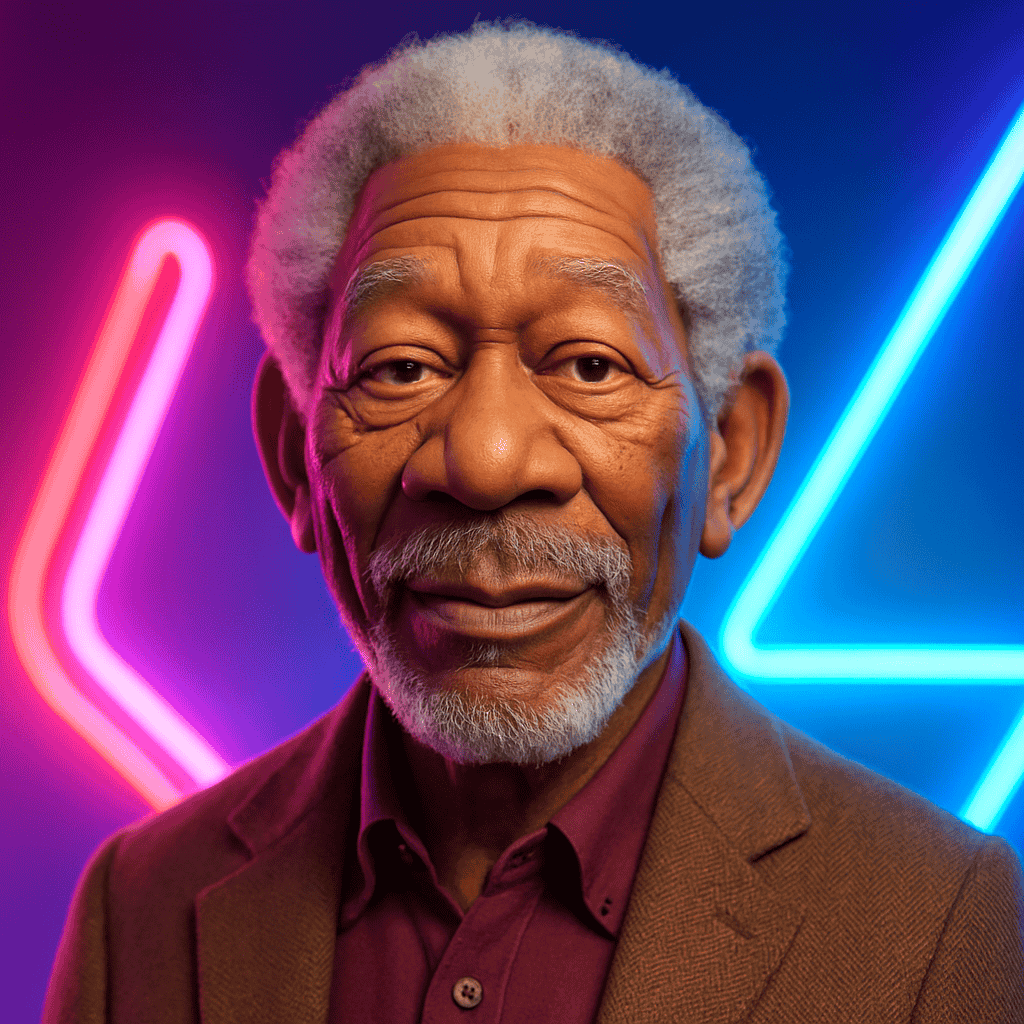
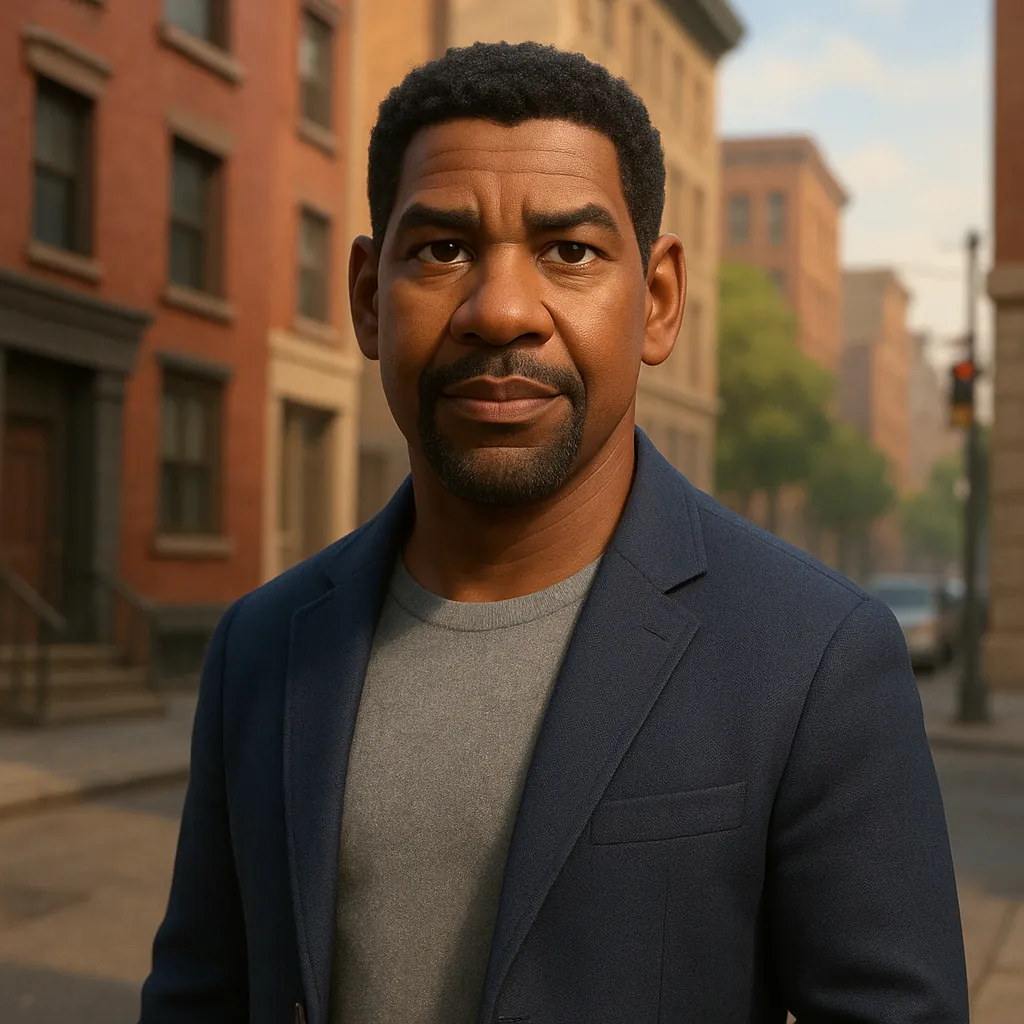
Gumamit ng Morgan Freeman o Denzel Washington-style voice para sa video essays tulad ng “the rise and fall of...” o “the truth about...”.
Tip: Panatilihing maikli ang paragraphs — 2–3 sentences per beat.
Top-10 / countdown videos
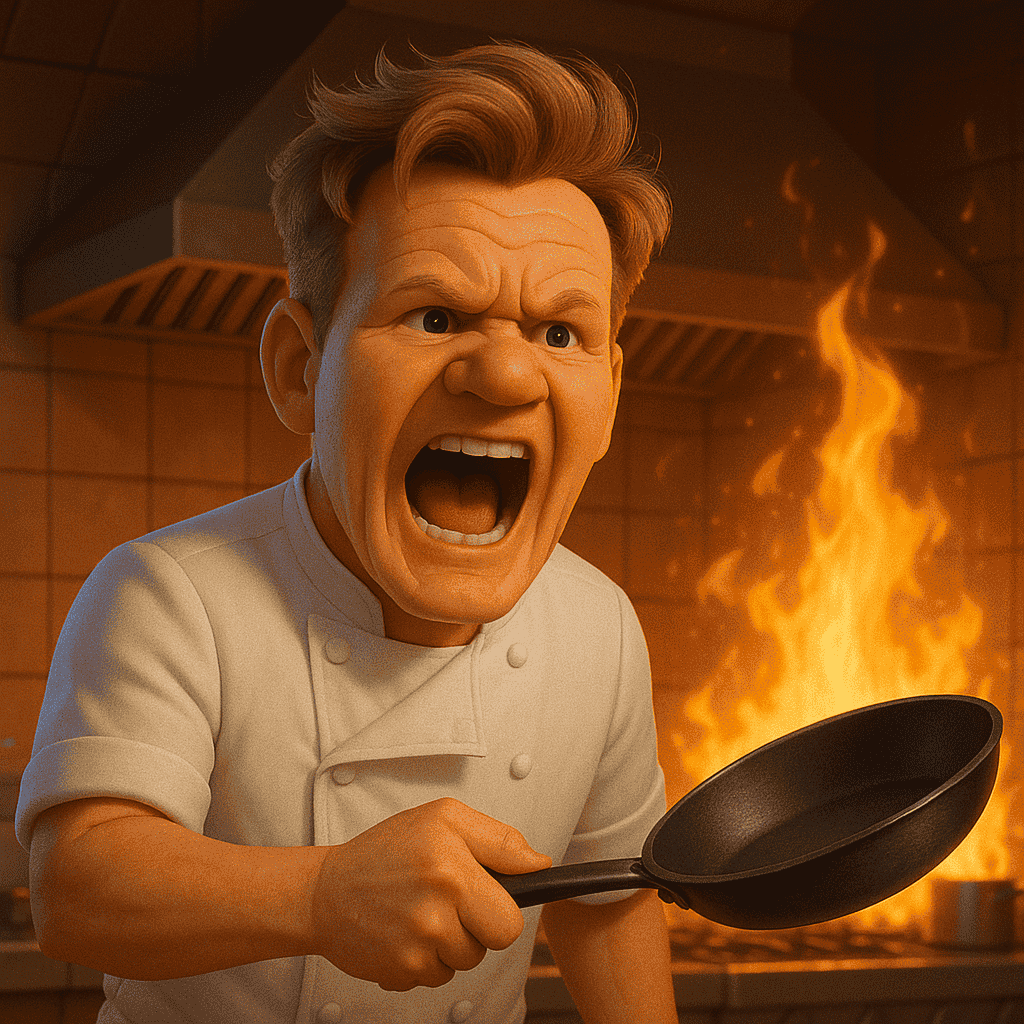
Energetic hype voiceover ang nagbibilang habang may clips sa background. Bagay sa gaming, sports, at pop culture.
Tip: Gumamit ng sports o hype-style voice. Panatilihin ang bawat item under 25 seconds.
Parody compilations
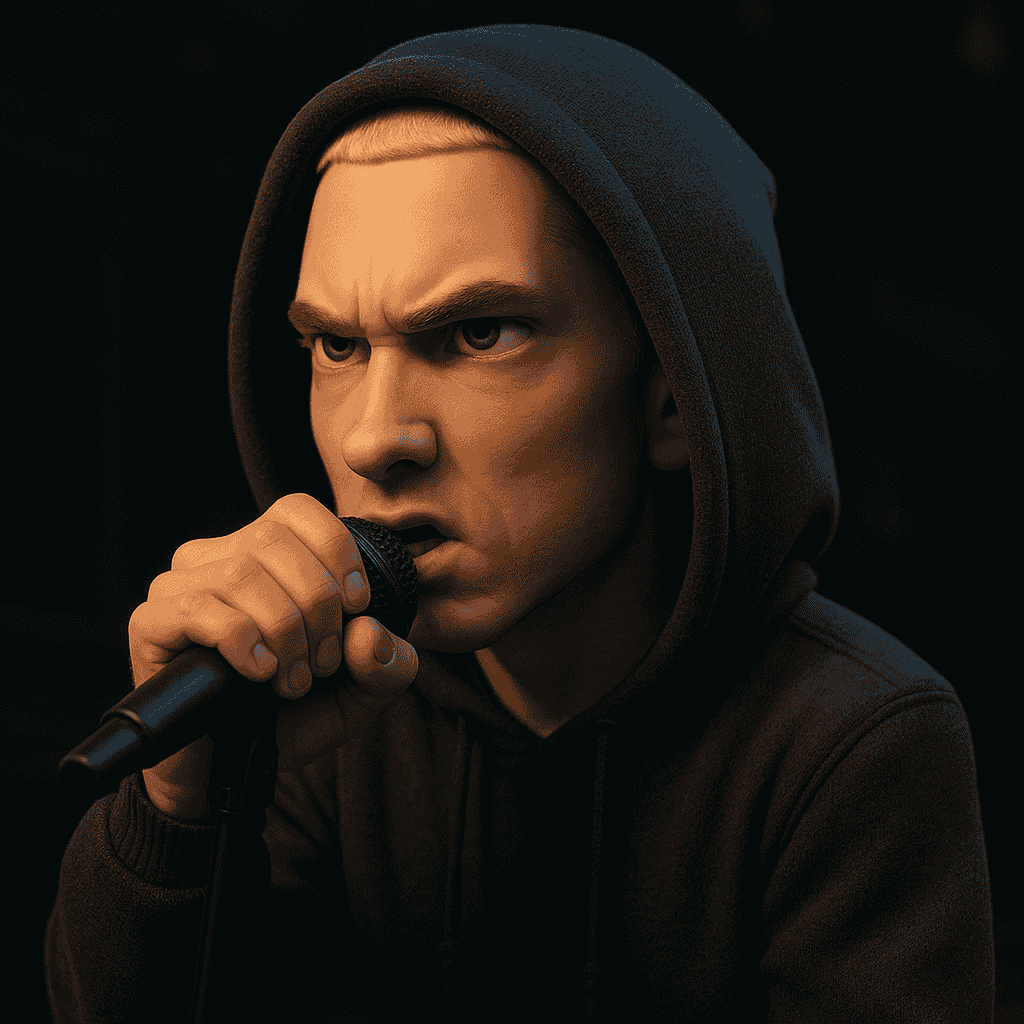
Mag-compile ng clips at i-dub gamit ang celeb-style voiceovers — political parody, news satire, o character mashups.
Tip: Laging gawing malinaw na parody. Iwasan ang voiceovers na mukhang real recordings.
Mula script hanggang upload
Repeatable workflow para sa YouTube production.
1. Pumili ng celebrity voice
I-browse ang catalog. Para sa long-form videos, narrator-style voices ang madalas pinakamaganda.
2. I-paste ang full script
Ilagay ang buong video script. Nakakatulong ang line breaks sa natural pauses.
3. Generate at review
I-generate ang audio, pakinggan ang result, at i-regenerate ang sections na kailangan ng ibang pacing.
4. Ilagay sa editor mo
I-import ang MP3 sa Premiere, DaVinci Resolve, o CapCut. I-sync sa visuals at i-export sa 1080p o 4K.
YouTube upload specs
YouTube celebrity voice FAQ
Posible para sa clearly labeled parody, commentary, at creative content. Applicable pa rin ang YouTube rules sa reused at synthetic content.
Kailangan ng YouTube disclosure para sa altered o synthetic content na nagre-represent ng real people. Gamitin ang disclosure sa YouTube Studio.
Narrator-style actor voices ang madalas natural para sa long paragraphs.
Pwede kang gumawa ng audio para sa long videos. Hatiin ang sobrang haba kung mas gusto ng editor mo ang shorter files.
Oo. I-disclose ang AI-generated audio, lalo na kung real people ang represented.
Sensitive ang sponsored content gamit ang AI celebrity voices. Kumuha ng malinaw na approval ng sponsor bago gamitin.
Handa ka na bang maglabas ng mas magandang audio nang mas mabilis?
Magsimula sa web o gumawa kahit saan gamit ang iOS app.